
Cloud computing explained: A simple guide for non-techies

Ever feel that cloud computing sounds like a pile of acronyms, hidden fees and choices you are somehow meant to understand straight away?
Many readers worry about cost, security and where their data actually lives. The simple version is this: cloud services let you rent computing power, storage and software as you need them, instead of buying and maintaining everything yourself.
In this guide, we will translate the jargon into plain English, show where Amazon Web Services, Microsoft Azure and Google Cloud fit and help you decide what is worth trying first.
 Keep updated, follow The Business Standard's Google news channel
What is cloud computing?
At its simplest, cloud computing means using IT resources over a network instead of owning every server in your office or server room.

The National Institute of Standards and Technology still describes it as on-demand access to a shared pool of configurable resources, such as servers, storage and applications. The International Organization for Standardization refreshed its cloud vocabulary in 2023, which tells you this is still a living, modern field rather than an old buzzword.
The easiest way to think about cloud computing is this: you rent computing like a utility. You switch it on, use what you need and stop paying for the parts you no longer need.
Providers such as AWS, Microsoft Azure, Google Cloud, IBM Cloud and Oracle Cloud run the physical data centres. Virtualisation software then slices that hardware into flexible services, so you can launch servers, store files, run databases, or use finished business software in minutes.
- Need raw control? Start with a virtual server such as Amazon Elastic Compute Cloud, usually shortened to Amazon EC2.
- Need simple file storage? Amazon Simple Storage Service, or Amazon S3, is a well-known example of object storage.
- Need ready-made software? Software as a service lets you open the tool in a browser and get straight to work.
Key characteristics of cloud computing
These are the traits that make cloud services feel very different from a traditional data centre. They also explain why cloud computing can save money in one project and waste it in another.
On-demand availability
One of the biggest shifts is speed. You can create a server, storage bucket, or database from a dashboard or an API instead of waiting days for hardware, approvals and manual setup.
That speed helps small teams test ideas quickly. It also means you need clear ownership, because an unused test machine can keep billing quietly if nobody shuts it down.
Scalability and flexibility
Cloud platforms can scale up during busy periods and scale down when demand drops. They do this with virtual machines, containers, load balancers and managed services that spread work across more than one system.
Flexibility is useful only if you choose the right resilience level. AWS says Amazon S3 standard storage keeps data across a minimum of three Availability Zones by default, but a second region is a separate choice, so you should never assume cross-region protection is already turned on.
Pay-as-you-go pricing model
Pay-as-you-go pricing shifts spending from large upfront purchases to operating cost. That suits projects with seasonal demand, short experiments, or workloads that grow in stages.
In Flexera's 2025 State of the Cloud research, organisations said their cloud budgets were exceeding targets by 17% on average. The lesson is plain: cloud pricing works best when you scale down as eagerly as you scale up.
- Tag resources by team or project from day one.
- Set budgets and alerts before you launch live workloads.
- Review idle virtual machines, old snapshots and forgotten disks every month.
Types of cloud services
Most confusion disappears once you separate what you manage from what the provider manages. That is the real difference between infrastructure as a service (IaaS), platform as a service (PaaS), software as a service (SaaS) and serverless computing.

|
Service model |
You manage |
Best for |
Typical example |
|
Infrastructure as a service (IaaS) |
Operating system, apps, data and most configuration |
Maximum control |
Amazon EC2 or Azure Virtual Machines |
|
Platform as a service (PaaS) |
Your code, app settings and data |
Faster app delivery |
Azure App Service or Google App Engine |
|
Software as a service (SaaS) |
Your data and user settings |
Using finished software without server admin |
Microsoft 365 or Google Docs |
|
Serverless computing |
Your code and event logic |
Short, event-driven tasks |
AWS Lambda or Azure Functions |
Infrastructure as a service (IaaS)
IaaS gives you rented building blocks, virtual machines, storage, networking and firewalls. It feels closest to traditional hosting, which is why it is often the easiest starting point for businesses moving old systems into the cloud.
Choose IaaS when you need control over the operating system, custom software, or network settings. It is powerful, but you still handle patching, hardening and much of the day-to-day administration.
Platform as a service (PaaS)
PaaS removes a chunk of that server work. You deploy your application and the platform handles much of the runtime, patching and scaling underneath.
This is a strong fit for websites, internal business tools and application programming interfaces. If your team wants to ship features fast and spend less time on server care, PaaS often gives the best balance.
Software as a service (SaaS)
SaaS is the model most people already use without thinking about it. You sign in through a browser or app, change a few settings and the provider runs everything behind the scenes.
That is why SaaS is popular for email, collaboration, customer relationship management and accounting. It cuts maintenance work sharply, though you usually get less control over deep customisation.
Serverless computing
Serverless computing lets you run code without managing servers directly. It suits event-driven work, such as processing uploaded files, sending alerts, resizing images, or reacting to data from apps and devices.
AWS says Lambda bills by requests and execution time, rounded to the nearest millisecond. That makes serverless a smart option for bursty jobs, but a poor fit for tasks that run constantly all day.
Cloud deployment models
Deployment models describe where your cloud services run and how isolated they are. This choice matters because it affects cost, control, compliance and the amount of hands-on work your team must do.
Public cloud
A public cloud runs on shared infrastructure owned by a cloud provider. You still get your own accounts, permissions and settings, but the underlying hardware is shared across many customers.
For most new projects, public cloud is the default starting point because it is fast to launch, easy to scale and usually far cheaper than building everything yourself.
Private cloud
A private cloud is built for one organisation only. Teams often run it with platforms such as VMware, OpenStack, or Hyper-V when they need tighter control over hardware, networking, or compliance boundaries.
This can make sense for highly regulated workloads or systems tied to older internal tools. The trade-off is simple: you gain control, but you also take on more cost, staffing and maintenance.
Hybrid cloud
Hybrid cloud mixes public cloud with private cloud or on-site systems. You might keep sensitive data in a private environment while using the public cloud for web traffic, analytics, or disaster recovery.
Gartner expects 90% of organisations to adopt a hybrid cloud approach through 2027. That tells you hybrid cloud is no longer a niche setup, it is often the practical middle ground between speed and control.
Multi-cloud
Multi-cloud means using more than one public cloud provider. A business might keep analytics in one platform, core apps in another and backups in a third.
This can reduce dependence on one vendor and help you pick the best tool for each job. It also adds real complexity, so it is usually better to start with one main provider and expand only when there is a clear reason.
- Choose a public cloud if you want speed, low upfront cost and easy scaling.
- Choose private cloud if regulation, legacy systems, or internal policy demand stronger control.
- Choose hybrid cloud if you need both flexibility and tighter placement of sensitive workloads.
- Choose multi-cloud only when the business case is strong enough to justify the extra operational work.
Benefits of cloud computing
Cloud earns its place when it solves a real business problem. The biggest gains usually show up in cost control, speed, accessibility and business continuity.
Cost savings
Cloud can reduce capital spending on racks, cooling, spare parts and hardware refresh cycles. It also makes it easier to start small and grow later, which is useful for smaller organisations and new projects.
The savings are strongest when the workload changes over time. If demand is flat and predictable every hour of the year, a traditional setup may still be cheaper in some cases.
Increased agility
Cloud platforms shorten the gap between idea and launch. A team can spin up a test environment, connect storage, add identity and access management (IAM) and deploy an app on the same day.
- Test a proof of concept without buying hardware.
- Launch seasonal campaigns without permanent overcapacity.
- Run machine learning or data analytics experiments before making a bigger investment.
Global accessibility
Because services run in provider data centres, your staff can reach files and applications from anywhere with an internet connection. That supports remote work, live collaboration and support teams spread across time zones.
This also affects customers. If your users are mainly in the US, placing workloads in a suitable US region can improve response times and make the service feel faster.
Enhanced disaster recovery
Cloud makes business continuity easier because resilience features are already built into many services. AWS says Amazon S3 standard storage is designed for 99.999999999% durability, which is why so many teams use it for backup and long-term data storage.
That still does not replace a true disaster recovery plan. Keep backups separate from live systems, test your restore process and decide in advance how much downtime your business can tolerate.
Challenges and limitations of cloud computing
Cloud can save time, but it can also magnify mistakes. The three trouble spots that catch most beginners are weak security habits, provider dependence and poor cost discipline.
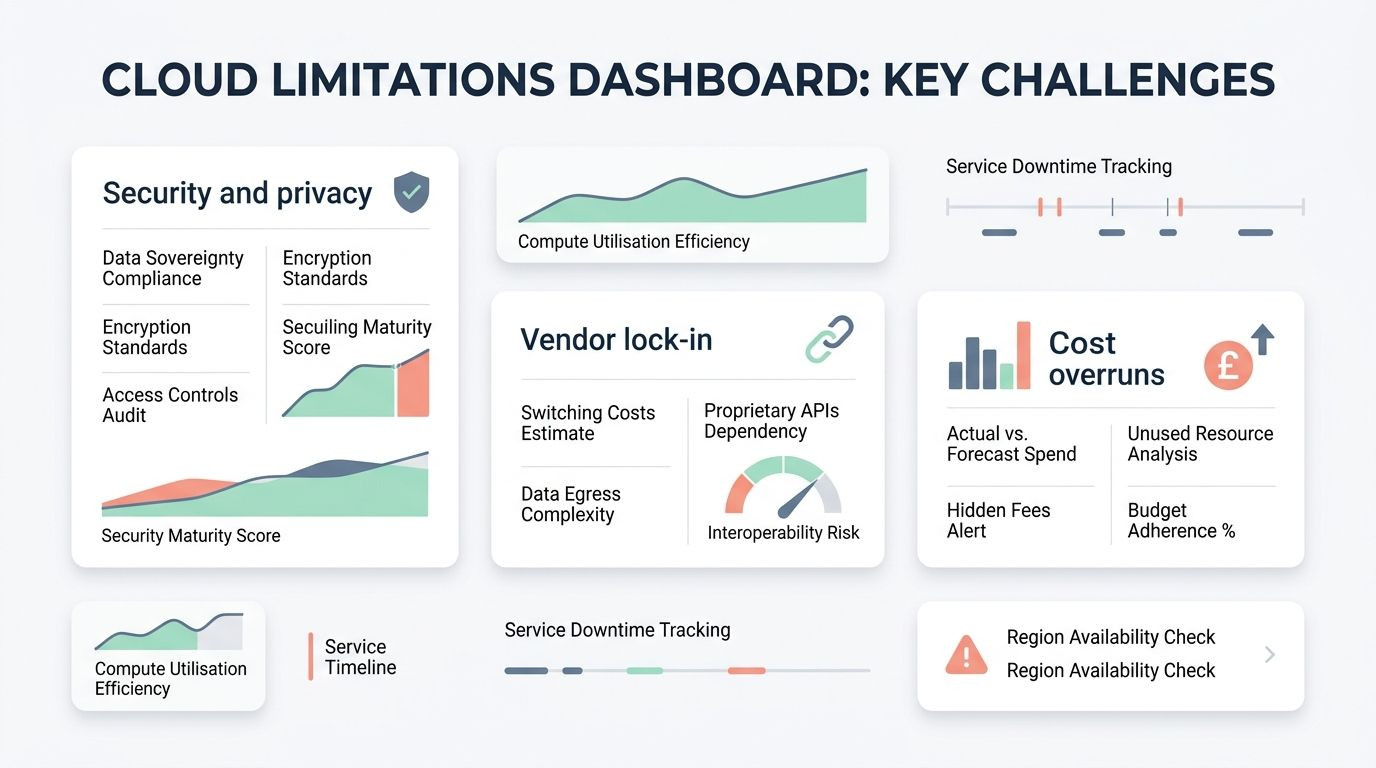
|
Challenge |
What it looks like |
First fix |
|
Security and privacy |
Too many permissions, weak sign-in controls, unclear data location |
Turn on MFA, use least-privilege IAM and choose regions carefully |
|
Vendor lock-in |
Apps depend heavily on one provider's unique services |
Document architecture and use portable components where practical |
|
Cost overruns |
Idle resources, surprise storage fees, rising data transfer bills |
Set budgets, review usage weekly and remove waste quickly |
Security and privacy concerns
Security in the cloud is rarely about one dramatic failure. More often, it is a pile of small mistakes, weak passwords, broad admin rights, open storage, or missing logs.
CISA recommends multifactor authentication for remote and administrative access because a password on its own is no longer enough. In practice, your first security wins are simple: switch on MFA, limit admin access, encrypt data where possible and review audit logs regularly.
Vendor lock-in risks
Vendor lock-in happens when moving away from one provider becomes expensive or awkward. This usually comes from deep use of proprietary databases, message systems, or AI services rather than from virtual machines alone.
One sensible middle path is to stay portable where it matters most. HashiCorp describes Terraform as a way to manage infrastructure across multiple cloud providers with a consistent workflow and containers with Kubernetes can also reduce the amount of rewriting needed later.
Potential cost overruns
The biggest cost trap is not the obvious server you meant to buy. It is the collection of extras, old snapshots, idle disks, forgotten test environments, storage growth and data transfer that nobody noticed.
This catches beginners with serverless as well. AWS notes that Lambda can still create separate charges for services such as storage and network use, so "pay only when code runs" does not mean the rest of the architecture is free.
Practical use cases of cloud computing
The best way to understand cloud services is to picture what people actually use them for. These examples are where cloud computing becomes practical rather than abstract.
Data storage and backup
Object storage is one of the easiest wins in the cloud. Teams use it for backups, shared files, logs, media libraries and archived records that need to stay available without filling local servers.
AWS says you choose the Region when you create an S3 bucket, so where your data sits is a setting you control, not a mystery. If your business needs US-based storage, make that a deliberate choice at setup.
Running applications
Applications can run on virtual machines, containers, managed platforms, or serverless functions. If your software expects a full operating system and custom setup, a VM is often the cleanest start.
If you deploy often, containers and Kubernetes can make life easier by keeping the app consistent across environments. If the workload is small and event-driven, serverless computing can cut both setup time and idle cost.
Artificial intelligence and machine learning
Cloud platforms now make machine learning far more accessible to smaller teams. Services such as SageMaker, Azure Machine Learning and Vertex AI give you managed tools for training, testing and deploying models without building your own GPU-heavy infrastructure first.
That matters beyond advanced data science. Teams use these services for forecasts, document classification, chatbots, recommendation engines, anomaly detection and generative AI features that would be expensive to build from scratch on local hardware.
Internet of Things (IoT) support
Cloud is also useful when devices in the real world need to send data somewhere reliable. AWS IoT Core focuses on secure device connections and MQTT messaging at scale, while Azure IoT Hub acts as a central message hub and can feed data into analytics and machine learning services.
On Google Cloud, teams often build IoT pipelines with Pub/Sub, Dataflow and BigQuery. That is a good fit when you want to collect device data, transform it and analyse trends without maintaining your own streaming stack.
How to get started with cloud computing
You do not need a giant migration plan to begin. A small, low-risk project is the smartest way to learn cloud computing and see whether the model suits your budget and working style.

|
Provider |
Free starting point for new users |
Good first experiment |
|
AWS |
As of 2026, AWS says new users can start with up to $200 in credits on its current Free Plan over six months |
Create a small EC2 server or store files in S3 |
|
Microsoft Azure |
Azure offers $200 credit for 30 days, plus free monthly amounts for 20+ popular services for 12 months |
Launch a small virtual machine or test Azure Functions |
|
Google Cloud |
Google Cloud offers $300 in free credit for new customers and 20+ products with free tier usage |
Run a tiny VM, Cloud Run app, or BigQuery test query |
Choosing the right cloud service provider
Start by matching the provider to the job in front of you, not to the loudest brand name. One provider may suit your team better because of pricing, training, or a service you already know.
- Pick AWS if you want the broadest service catalogue and lots of examples.
- Pick Azure if your business already relies heavily on Microsoft tools.
- Pick Google Cloud if data analytics, containers, or simple proof-of-concept work are your main focus.
- Ask where your data will sit, how billing alerts work and what support you get before you commit.
Understanding your business or personal needs
List your workloads before you choose technology. Write down what needs to run all the time, what spikes at certain times, what data is sensitive and what absolutely must come back quickly after an outage.
- If demand changes a lot, cloud elasticity is a strong advantage.
- If you need strict control over sensitive systems, private cloud or hybrid cloud may fit better.
- If you just need email, documents, or project tools, SaaS is usually enough.
- If you need to modernise an older app carefully, start with infrastructure as a service.
Exploring free trials and training resources
Use the free offers for one small project only. That could be a test website, a backup bucket, a simple database, or a serverless function that reacts to a file upload.
For training, stick to the official learning paths first. AWS Skill Builder offers a large catalogue of free learning resources, Microsoft Learn is built around task-based modules and Google Cloud offers hands-on training through its learning platforms. Keep a close eye on billing while you learn, because free tiers are helpful, but they do not forgive careless setup.
Final words
Cloud computing is much less mysterious once you break it into service models, deployment choices and a few practical use cases.
If you start small, use strong IAM and MFA and watch pay-as-you-go pricing from the first day, you can get the benefits without the usual beginner mistakes.
Pick one simple project, test it on AWS, Azure, or Google Cloud and build confidence from there.